Best Beatbox Tools in 2026: The Complete App Toolkit
The real beatbox tools for 2026: the recorder, metronome, looper, sampler, and ear-training apps beatboxers actually use — tested, honest, and mostly free.
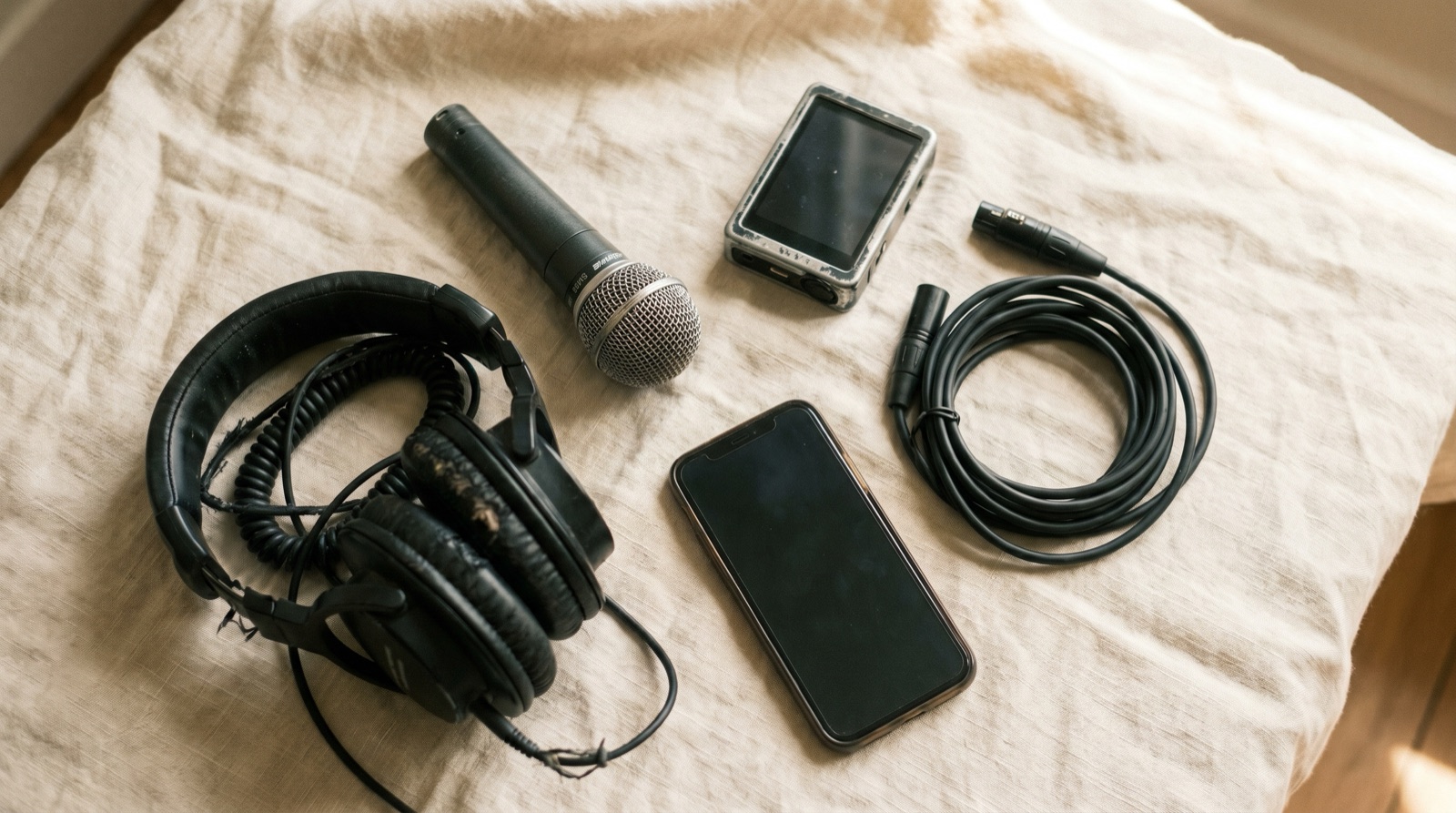
If you searched beatbox tools, you probably don't want one app — you want the whole kit. Here's the honest version for 2026: a recorder/organizer to capture and find your ideas, a metronome to lock your timing, a looper if you perform live, a sampler if you make beats from your mouth sounds, an ear-training app if you go melodic, and a DAW if you finish tracks. Most of these are free, none of them does everything, and you almost certainly don't need all of them at once. Below is each category, the tool we actually reach for, and how to assemble a kit around what you are trying to do.
For the single "what's the overall best app" question, see our pillar guide, Best App for Beatboxers in 2026. This piece is the wider toolkit.
What "beatbox tools" actually means in 2026
A "tool" here is software that does one job well. The mistake most lists make is treating these as interchangeable — they aren't. A looper is not a recorder; a sampler is not an organizer; a DAW is not a metronome. Each solves a specific problem, and stacking the right two or three is better than owning one bloated app that half-does everything. We group the toolkit into six jobs:
- Recorder & organizer — capture ideas and find them again later.
- Metronome — keep tight, repeatable timing while you practice.
- Looper — stack short layers that repeat, for live performance.
- Sampler — record sounds, chop them, sequence them into beats.
- Ear trainer — hear pitch and intervals for melodic work.
- DAW — produce, mix, and master a finished track.
We tested on both iOS and Android where the app exists, ran real beatbox workflows, and checked pricing against each developer's own site and store listing. We list only software here — mics and loop stations matter, but they aren't apps, so they get a prose mention near the end.
The short version
A genuinely free starter kit: Beatboxx for capturing and organizing, its built-in metronome for timing, and BandLab if you ever want to produce. Add Koala Sampler ($4.99) or Loopy Pro ($29.99) only when you start performing.
The recorder & organizer: where your ideas live
This is the tool you'll open every single day, so it matters most. Capture has to be instant, and — this is where almost everything else fails — you have to be able to find a recording weeks later.
Beatboxx — purpose-built capture, tagging, and routines (our pick)
Beatboxx is the recorder we built because nothing else was shaped for beatbox. It captures fast, auto-detects BPM (70–200, re-detecting after you trim), and — the part that makes it a tool rather than a junk drawer — lets you tag every recording by technique, pattern, or round, then search combinations like "technical + trap." It has a routine and setlist builder for battle prep, a built-in metronome (40–240 BPM, time signatures from 2/4 to 20/4, tap-tempo), and it keeps everything 100% on-device with ZIP export/restore — no accounts, no cloud, no tracking. It's completely free: no ads, no in-app purchases, no subscriptions.
What it deliberately isn't: a looper, a sampler, or a multi-track DAW. It's a capture-and-organize tool, and it's mobile only. For a deeper look at recorders specifically, see Best Beatbox Recording Apps for iPhone and Android 2026.
Your phone's voice memo app — the zero-friction fallback
The voice memo app is already on your phone, captures in one tap, and works fully offline. For a single idea you'll never revisit, it's fine. The problem is everything after capture: no tags, no BPM, no structure — so a year of recordings becomes an unsearchable wall of "New Recording 47." We did a full head-to-head in Beatboxx vs. Voice Memos.
The metronome: locking your timing
Tight timing is the difference between a clean run and a wobbly one, and a metronome is the cheapest upgrade to your practice there is.
The Metronome by Soundbrenner — free, ad-free, cross-platform
The Metronome by Soundbrenner is a clean, ad-free standalone click. The core metronome is free, with customizable time signatures, subdivisions, and beat accents, on both iOS and Android. Some practice-tracking extras sit behind in-app purchases, but you never have to pay to get a solid click.
A note on built-in metronomes
If your recorder already has a metronome, you may not need a second app. Beatboxx includes one (40–240 BPM, time signatures 2/4 to 20/4, tap-tempo, visual and audible) right next to where you record — so you can practice to the click and capture in the same place. Grab a standalone metronome only if you want the extra subdivision and tracking features.
The looper: stacking beatbox layers live
A looper records short phrases that repeat and stack, so one person can build a full beat live. This is a performance tool, not a practice-journal tool.
Loopy Pro — the pro live-looping studio
Loopy Pro is the serious choice: a flexible live-looping studio, sampler, and DAW for iPhone and iPad, with clip launching, AUv3 plugin hosting, and multi-track stem export. It's a one-time $29.99 unlock after a 7-day trial — no subscription — with a Mac version in development. It's deep, has a real learning curve, and is the priciest tool here, so it's overkill if all you want is to capture ideas.
Just Loop It! — a dedicated beatbox looper
Just Loop It! is a lighter, beatbox-focused multitrack looper with a visual metronome and basic effects (reverb, delay, distortion). It's free to start, with optional in-app purchases ($3.99–$5.99) for extra tracks and FX. It's iOS only and less polished than Loopy Pro, but it's a cheap way to find out whether live looping is your thing first.
The sampler: turning your mouth sounds into beats
A sampler records individual sounds, lets you chop them, and sequences them into beats — a different creative act than capturing a continuous routine.
Koala Sampler — sample, chop, and sequence
Koala Sampler (made by Elf Audio) is a phenomenal pocket sampler for turning beatbox sounds into full tracks, loops, and live sets. Beardyman is a public fan, and it runs on both iOS and Android for $4.99 — genuinely one of the best creative music tools you can put in your pocket.
What it is not is an organizer. Its sessions are isolated project files, so there's no way to tag, archive, or find an individual technique across sessions, and no battle-round builder or setlist. Use Koala to make music from your beatboxing; use a recorder/organizer to practice and rehearse. They sit side by side — they don't compete.
Sampler vs. recorder — they solve different problems
Reach for Koala when the goal is a finished beat or a live set built from chopped sounds. Reach for a recorder/organizer like Beatboxx when the goal is to capture a routine, tag it, and find it again three weeks later. Trying to use a sampler as a practice journal — or a recorder as a beat machine — is where people get frustrated.
The ear-training tool: hearing pitch and intervals
This one is optional, and only matters once you go melodic.
Functional Ear Trainer — relative pitch in a key
Functional Ear Trainer teaches relative pitch by playing notes within a musical key rather than as isolated trivia, which is exactly what you need for melodic beatboxing, pitched vocal scratches, or singing while you beatbox. It has a solid free tier with progressive levels; the full feature set is a $19.99 "Plus" upgrade. It's Apple-only (iPhone, iPad, Mac) and not beatbox-specific, but it's the most useful pitch trainer for this job.
The DAW: producing and mixing finished tracks
When you want to release something polished, you need a digital audio workstation.
BandLab — a genuinely free full DAW
BandLab is a free, full-featured multi-track Mix Editor with effects, mastering, a built-in sampler, royalty-free sounds, and virtual instruments, across phone, web, and desktop. You can start a track on your phone and finish it on a laptop, with cloud collaboration included. The trade-offs: it has a real learning curve, it's account- and cloud-based (so it's not the choice for fully offline, private work), and it's not built around beatboxing — but for finished production at zero cost, it's hard to beat.
A quick word on hardware
Software comes first, but two pieces of gear show up constantly once you perform. A dynamic microphone built with beatbox in mind — the Audix Fireball is the classic example — handles plosives and breath better than a typical vocal mic. And a hardware loop station like the BOSS RC-505 is the long-standing professional choice for live looping with physical controls. Closed-back headphones round it out. None of this is necessary to start: for practice and capturing ideas, your phone plus a recorder app is genuinely enough. Add gear when you have a specific performance reason, not before.
Build your kit by goal
You don't need every app. Build the free core first — Beatboxx to capture, tag, and organize, with its metronome covering timing — and add tools only when a goal demands them:
- The battler. Beatboxx plus its built-in metronome is the whole kit. See Best Apps for Beatbox Battle Prep 2026.
- The live looper. Beatboxx to draft material, plus Loopy Pro ($29.99) — or Just Loop It! to start cheap — for the show, and eventually a hardware loop station.
- The producer. Koala Sampler ($4.99) for chopping mouth sounds into beats, BandLab (free) for arranging and mixing, Beatboxx to keep your raw idea library searchable.
- The learner. Beatboxx for daily practice, and Functional Ear Trainer once you start adding melody.
Most beatboxers never spend a cent — Beatboxx and BandLab cover capture, organization, timing, and production for free. For more on the no-cost end of the kit, see Must-Have Free Apps Every Beatboxer Needs 2026.
The tool you'll use the most is the one that captures and organizes your ideas — so start there. Download Beatboxx free for iOS and Android, and build the rest of your toolkit around it.
- Ours1
Beatboxx
The recorder and organizer built specifically for beatboxers — capture, tag by technique, and build battle-ready routines, with a metronome baked in.
Pros
- Purpose-built for beatboxers — not producers, singers, or podcasters
- Tag recordings by technique, pattern, or round and search combinations
- Auto BPM detection (70–200) plus a built-in metronome (40–240 BPM)
- Routine and setlist builder for battle prep and showcases
- 100% on-device — no accounts, no cloud, no tracking; ZIP export/restore
- Completely free: no ads, no in-app purchases, no subscriptions
Cons
- Mobile only (no web or desktop app yet)
- Not a looper, sampler, or multi-track DAW — it's a capture-and-organize tool by design
- No built-in collaboration features
💵 Free📱 iOS, Android🎯 Best for: Capturing ideas fast, tagging techniques, and building routines and battle roundsVisit Beatboxx - 2
Your phone's voice memo app
The default recorder. Zero friction, zero structure.
Pros
- Already installed on every phone
- Fastest possible capture, works fully offline
Cons
- No tagging, categories, or routine structure
- Old recordings become impossible to find
- Nothing beatbox-specific — no BPM, no metronome
💵 Free📱 iOS, Android🎯 Best for: One-off captures you never plan to revisitVisit Your phone's voice memo app - 3
The Metronome by Soundbrenner
A clean, ad-free standalone metronome and practice tracker for iOS and Android.
Pros
- Free core metronome that works without paying
- Customizable time signatures, subdivisions, and beat accents
- Ad-free and gets out of the way
- Available on both iOS and Android
Cons
- Some practice-tracking and advanced features sit behind in-app purchases
- Standalone app — if you already have a beatbox app with a metronome, it can be redundant
💵 Free — optional in-app purchases📱 iOS, Android🎯 Best for: Practicing tight timing with a customizable clickVisit The Metronome by Soundbrenner - 4
Loopy Pro
A pro live-looping studio, sampler, and DAW for iPhone and iPad.
Pros
- Powerful, flexible live looping and clip launching
- Sampling, AUv3 plugin hosting, and multi-track stem export
- One-time purchase — no subscription
- Well-regarded by serious mobile musicians and live loopers
Cons
- iPhone and iPad only (Mac version in development)
- Deep and complex — steeper learning curve than a simple looper
- Overkill if you only want to capture and organize ideas
- $29.99 is the priciest tool on this list
💵 Free 7-day trial, then $29.99 one-time unlock📱 iOS🎯 Best for: Building and performing live beatbox loop setsVisit Loopy Pro - 5
Just Loop It!
A multitrack looper marketed for human beatboxers — stack rhythms, melodies, and FX as loops.
Pros
- Built around beatbox looping with a multitrack recorder
- Visual metronome and basic audio effects (reverb, delay, distortion)
- Free to start; extra tracks and FX are optional purchases
Cons
- iOS only — no Android version
- Free tier is limited; full functionality needs in-app purchases
- Less powerful and polished than Loopy Pro
💵 Free with in-app purchases ($3.99–$5.99)📱 iOS🎯 Best for: A lower-cost, beatbox-focused looper to experiment with layeringVisit Just Loop It! - 6
Koala Sampler
A genuinely great pocket sampler — record your mouth sounds, chop them, and sequence them into beats. Endorsed by Beardyman.
Pros
- Phenomenal for creative music-making with your voice
- Sample, chop, and sequence beatbox sounds into full tracks
- Made by Elf Audio; Beardyman is a public fan
- Available on both iOS and Android
Cons
- Sampler/sequencer workflow — wrong shape for capturing continuous routines
- No way to tag, archive, or find individual techniques across sessions
- No battle-round builder, setlist, or rehearsal versioning
- Sessions are isolated project files, not a searchable library
💵 $4.99 — in-app purchases📱 iOS, Android🎯 Best for: Turning beatbox sounds into beats, loops, and live setsVisit Koala Sampler - 7
Functional Ear Trainer
Train relative pitch by hearing notes in the context of a key — useful for melodic and musical beatboxing.
Pros
- Teaches relative pitch in a musical key, not isolated note memorization
- Solid free tier; progressive difficulty levels
- Multiple note-naming systems (letters, numbers, solfège)
Cons
- Apple platforms only (iPhone, iPad, Mac) — not on Android
- General music tool, not beatbox-specific
- Full feature set requires a $19.99 in-app upgrade
💵 Free — Plus upgrade $19.99📱 iOS🎯 Best for: Beatboxers adding melody, tonal control, and pitch awarenessVisit Functional Ear Trainer - 8
BandLab
A genuinely free, full-featured DAW and sampler across phone, web, and desktop.
Pros
- Completely free multi-track Mix Editor with effects and mastering
- Built-in sampler plus royalty-free sounds and virtual instruments
- Cross-platform: start on your phone, finish on the web or desktop
- Collaboration and cloud projects included
Cons
- Full DAW — steep learning curve and overkill for quick practice capture
- Cloud and account-based, so not the choice for fully offline, private work
- Not designed around beatboxing workflows
💵 Free📱 iOS, Android, Web🎯 Best for: Producing, mixing, and mastering finished beatbox tracksVisit BandLab
| Feature | Category | Platforms | Price | Best for |
|---|---|---|---|---|
| Beatboxx | Recorder & organizer | iOS, Android | Free | Capture, tag, build routines |
| Voice Memos | Recorder (default) | iOS, Android | Free | Quick one-offs |
| The Metronome by Soundbrenner | Metronome | iOS, Android | Free (IAP) | Locking timing |
| Loopy Pro | Looper / sampler / DAW | iOS | $29.99 one-time | Live loop sets |
| Just Loop It! | Beatbox looper | iOS | Free (IAP) | Cheap looping experiments |
| Koala Sampler | Sampler / sequencer | iOS, Android | $4.99 | Beats from mouth sounds |
| Functional Ear Trainer | Ear training | iOS / Apple | Free (IAP) | Pitch & melody |
| BandLab | DAW | iOS, Android, Web | Free | Producing finished tracks |