Beatboxx vs. Voice Memos: Recording Beatbox Right (2026)
Recording beatbox with Voice Memos vs a beatbox app: where the default recorder is fine, where it breaks down, and why a purpose-built app wins for beatboxers.
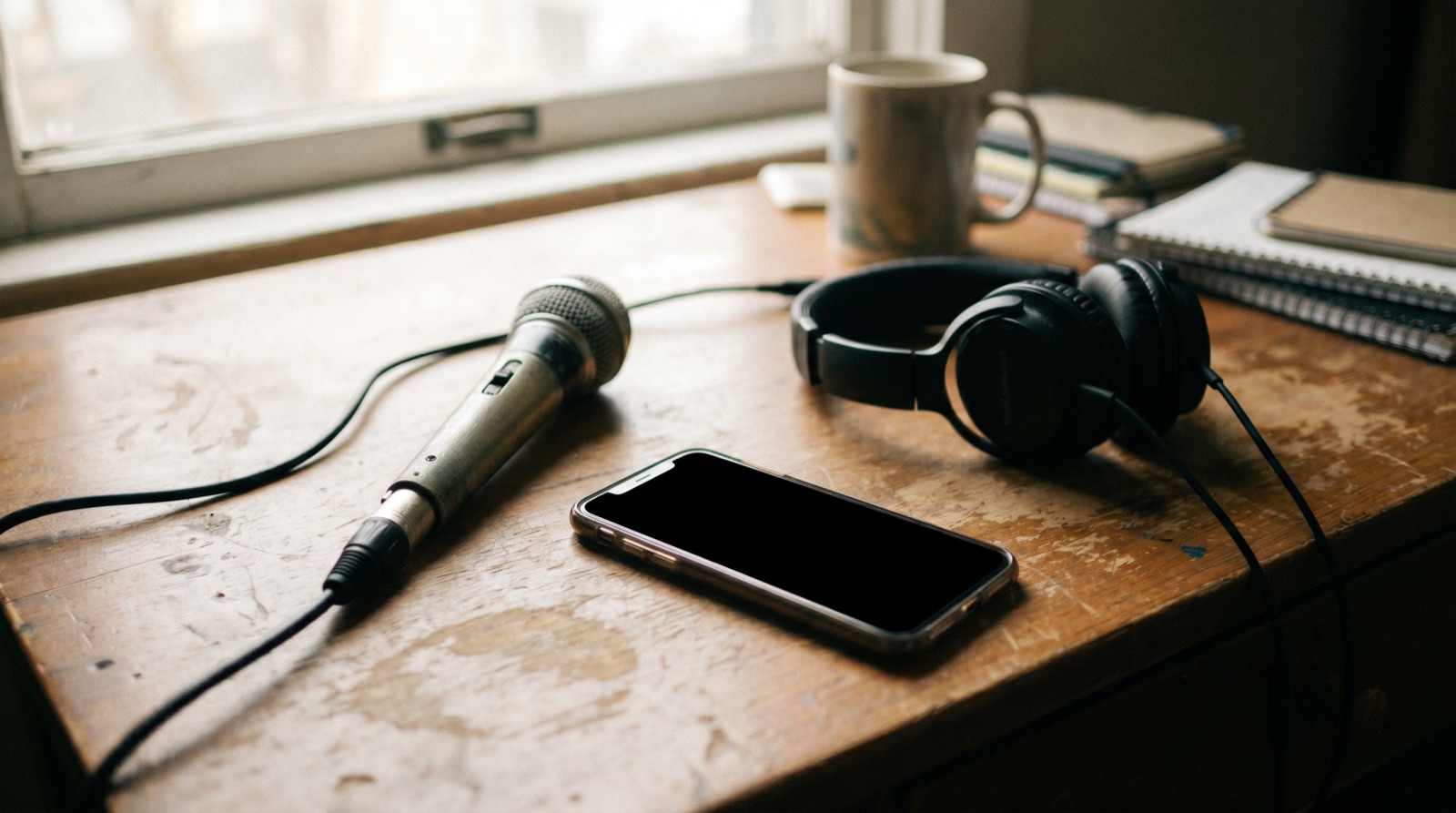
If you currently record beatbox by opening the Voice Memos app and hitting the red button, here's the honest answer: that's completely fine for a one-off idea — and it stops being fine the moment you want to find, organize, or rehearse anything you recorded. Voice Memos is the fastest way to capture a thought. A purpose-built beatbox app is the only way to keep those thoughts from piling into an unsearchable graveyard of "New Recording 147."
This is a straight comparison for the "I just use voice memos" crowd — where the default recorder genuinely wins, where it quietly breaks down for beatboxers, and a clear verdict on when a purpose-built app is worth installing.
The short version
Voice Memos wins on capture. A beatbox app wins on everything after. If you record once in a blue moon and never revisit it, stick with Voice Memos. If you practice, build routines, or prep for battles — the tagging, BPM detection, and routine structure of a dedicated app pay for themselves the first time you actually need to find something.

What Voice Memos actually does well
Let's be fair to the default recorder first, because most "switch to our app" articles aren't.
Already on your phone, zero friction
The single biggest advantage Voice Memos has is that it's already there — nothing to download, no onboarding. You open it, tap record, and you're capturing in under two seconds. For a beatboxer, capture speed is everything because ideas evaporate, and a tool you already have beats a "better" one you'd have to install mid-flow.
Free, offline, and good enough audio for ideas
Voice Memos is free, pre-installed on every iPhone (Android phones ship with their own equivalent), and works completely offline. The audio quality is more than enough to remember what you did — you're capturing an idea, not mastering a record. If all you need is "remember this sound so I can recreate it later," Voice Memos already does that job. No notes.
Where Voice Memos breaks down for beatboxers
Voice Memos was built for spoken notes — lectures, interviews, reminders — not for how beatboxers actually work, and four gaps show up fast.
No tagging — you can't search by technique, energy, or vibe
Voice Memos gives you folders, renaming, search, and trimming. That's it — there's no tagging. You can't label a clip "snare roll," tag another "trap, high energy," and then pull up everything that's both technical and trap three weeks later. Apple's own support docs confirm the organization tools are limited to folders and naming, with no metadata beyond the file name. For a beatboxer with a growing vocabulary of sounds, that's the difference between a library and a junk drawer.
No BPM detection — every loop is a guess
If you record a loop and want to know its tempo, Voice Memos can't tell you — there's no BPM detection at all. So when you're matching a pattern to a routine, lining two ideas up at the same tempo, or setting a metronome to practice against, you're tapping it out by ear every time. A purpose-built app detects the BPM for you automatically.
The "New Recording 147" graveyard problem
This is the one every beatboxer feels. Voice Memos auto-names files "New Recording," "New Recording 2," and so on. Unless you stop and rename each one — which almost nobody does mid-session — you end up with a wall of identical-looking clips. Finding that one fire drop from last month means tapping play on twenty files. The recordings exist, but functionally you've lost them.
No routine or battle-round structure
A beatbox set isn't a flat list of clips — it's sequences. Patterns chained into a round, rounds arranged into a setlist, takes compared against each other. Voice Memos has no concept of any of that: you can't build a battle round out of tagged sections, keep multiple takes organized, or arrange clips into the order you'd actually perform them.
The compounding cost
None of these gaps hurt on day one. They compound. The thirtieth recording is when "I'll just rename it later" turns into a search problem you can't dig out of — and Voice Memos has no tool that fixes it retroactively.
What a purpose-built beatbox app adds
This is the gap Beatboxx was built to close. It keeps the part of Voice Memos you like — fast, free, offline capture — and adds the structure a beatboxer actually needs.
Tag on the way in (technique, energy, tempo, mood)
Instead of renaming files after the fact, you tag a recording as you save it — by technique or pattern — then later search combinations like "technical + trap" to pull up exactly the clips you mean. The library stays findable as it grows, which is the whole point.
Auto BPM detection and waveform trimming
Beatboxx auto-detects BPM from 70–200 BPM with harmonic matching, and re-detects after you trim a clip. You also get waveform scrubbing and precise trimming, so you can cut a loop to the exact bar without exporting to a separate editor.
Routines and setlists, not a flat list of clips
This is the structural difference. Beatboxx has a routine builder — assemble your drops into routines and setlists, the sequences you'd actually perform, rather than a flat scroll of clips. It's the layer Voice Memos has no concept of.
Battle-prep workflow: drafts, takes, timing
For competition, Beatboxx pairs the routine builder with a built-in metronome (40–240 BPM) so you can rehearse rounds at a fixed tempo and keep your timing honest. If battle prep is your main use case, our best apps for beatbox battle prep in 2026 covers the full workflow.
Side-by-side: Voice Memos vs Beatboxx vs Koala vs a DAW
Here's how the default recorder stacks up against a dedicated organizer, a sampler, and a full DAW. Each tool is genuinely good — they just solve different problems.
The pattern is clear: Voice Memos and Beatboxx both nail fast capture, but only the dedicated app keeps the library findable and lets you build routines. Koala Sampler is a phenomenal creative tool — sample your voice and turn it into beats, used by pros like Beardyman — but it's a sampler, not an organizer, so it has no searchable cross-session library. GarageBand and BandLab are full DAWs: powerful for finished tracks, but overkill for capturing an idea. (GarageBand runs offline; BandLab leans on the cloud.)
Already have 400 voice memos? How to migrate
You don't have to start over. Beatboxx imports M4A, MP3, AAC, WAV, FLAC and more straight from Voice Memos or the Files app. The honest move is not to import all 400 at once — that just recreates the graveyard inside a nicer app. Import only the recordings you actually return to, tag them by technique as they come in, and leave the dead clips where they are. Within a session or two you'll have a small, searchable core worth more than the 400 you could never find anything in.
When you should just stick with Voice Memos
Genuinely: if you record an idea once in a while and never revisit it, Voice Memos is the right amount of app — don't install anything. A second app only pays off when you're recording often enough that finding things becomes the bottleneck. Switch when you can't locate last month's recording, need timed battle rounds, want to chain patterns into routines, or keep wishing you could search "bass + trap" across everything.
The verdict
For pure capture, Voice Memos and a beatbox app are a tie — both record clean audio in a tap. Everything after you hit stop is where they split, and it's not close: tagging, BPM, a searchable library, and routine structure are the difference between a tool you fight and a tool that works the way a beatboxer does.
If you record beatbox more than occasionally, Beatboxx is free — no ads, no in-app purchases, no premium tier, 100% on-device — so there's no real cost to trying it against your Voice Memos habit. Import a handful of your best clips, tag them, and see whether you ever go back.
For the full picture beyond this head-to-head, see our roundup of the best app for beatboxers in 2026, or narrow it down with the best beatbox recording apps for iPhone and Android and the must-have free apps every beatboxer needs.
- 1
Your phone's Voice Memos app
The default recorder. Instant capture, zero structure — fine until your library grows.
Pros
- Already installed on every phone — nothing to download
- Fastest possible capture: open, tap, record
- Works fully offline and is completely free
- Basic folders, rename, search, and trim are built in
Cons
- No tagging — can't search by technique, energy, or vibe
- No BPM detection for loops or routines
- No routine, setlist, or battle-round structure
- Recordings default to 'New Recording 147' and become unfindable
- Compresses to M4A by default, so ideas lose some audio quality
💵 Free📱 iOS, Android🎯 Best for: Quick one-off captures and sketches you may never revisitVisit Your phone's Voice Memos app - Ours2
Beatboxx
The recorder built for beatboxers — tag, find, and build battle-ready routines instead of scrolling a graveyard of clips.
Pros
- Tag recordings by technique or pattern and search combinations like 'technical + trap'
- Auto BPM detection (70–200 BPM), re-detects after trimming
- Waveform scrubbing and precise trimming
- Routine builder and setlists for rehearsal and battle prep
- Imports M4A, MP3, AAC, WAV, FLAC and more straight from Voice Memos or Files
- 100% on-device, free, no ads, no in-app purchases
Cons
- Mobile only — no web app yet
- Not a sampler or full DAW for producing finished tracks
- No built-in collaboration features
💵 Free📱 iOS, Android🎯 Best for: Anyone serious about practice, routine building, or battle prepVisit Beatboxx - 3
Koala Sampler
A genuinely great creative tool — sample your beatboxing and turn it into beats. Used by Beardyman.
Pros
- Phenomenal for making music from your voice — sample, chop, and sequence
- Pro-grade effects, time-stretch, and live performance
- Public fans among pros, including Beardyman
- Cross-platform: phone, tablet, and desktop
Cons
- A sampler/sequencer, not a recorder or organizer
- No way to tag or find individual techniques across sessions
- No battle-round builder, setlist, or rehearsal versioning
- Sessions are isolated project files, not a searchable library
💵 $4.99 — in-app purchases📱 iOS, Android, Mac, Windows🎯 Best for: Turning beatbox sounds into beats, loops, and live setsVisit Koala Sampler - 4
GarageBand / BandLab
Full DAWs for producing finished tracks — far more than you need just to capture ideas.
Pros
- Powerful multi-track recording and editing
- Effects, loops, and export options
- BandLab is cross-platform (phone, web, desktop) and free
Cons
- Steep learning curve and slow to capture a quick idea
- Overkill for practice and battle prep
- Not designed around beatboxing workflows like tagging or routines
💵 Free📱 iOS, Android, Web🎯 Best for: Multi-track production, mixing, and finished songsVisit GarageBand / BandLab
| Feature | Voice Memos | Beatboxx | Koala Sampler | GarageBand / BandLab |
|---|---|---|---|---|
| Already installed on your phone | Download | Download | Download | |
| Zero-friction one-tap capture | ||||
| Tag by technique / energy / mood | ||||
| Searchable library across sessions | ||||
| Auto BPM detection | ||||
| Routine / battle-round builder | ||||
| Metronome built in | Partial | |||
| Sample chopping & beat production | ||||
| Full multi-track DAW | ||||
| Works fully offline | Partial | |||
| Price | Free | Free | $4.99 | Free |